0 % eff. Zins für 36 Monate – ab €9/Monat! Mehr erfahren


The terms “DELTA” and “RIVER” as mentioned on this page refer to products exclusively manufactured by ECOFLOW INC.
You May Also Like
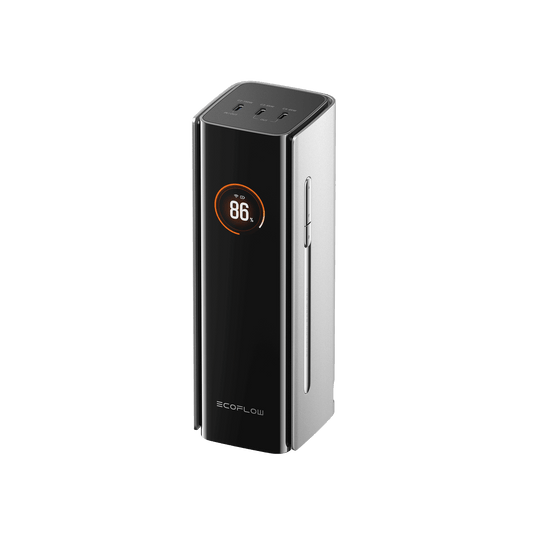

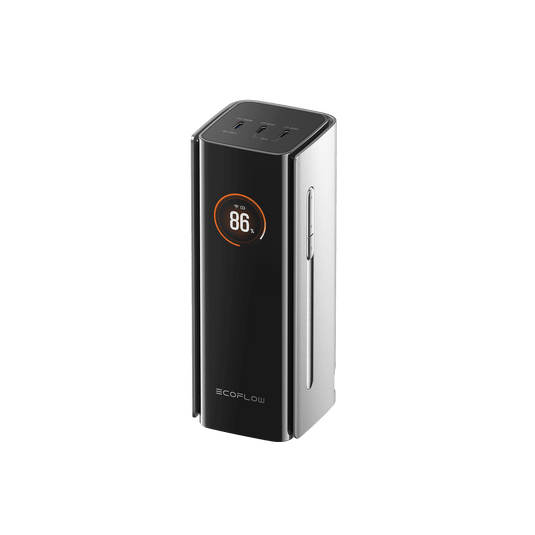

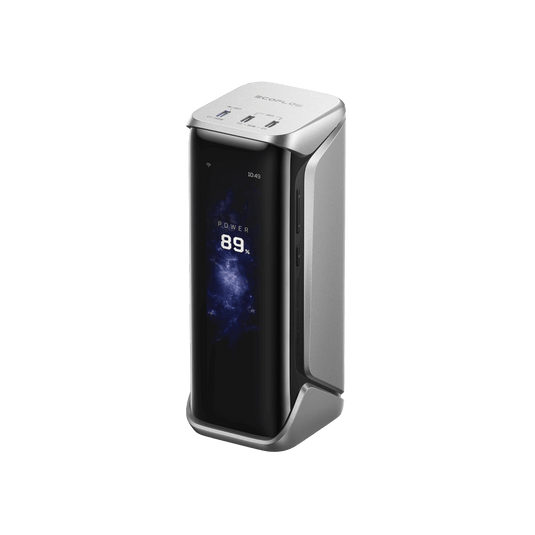

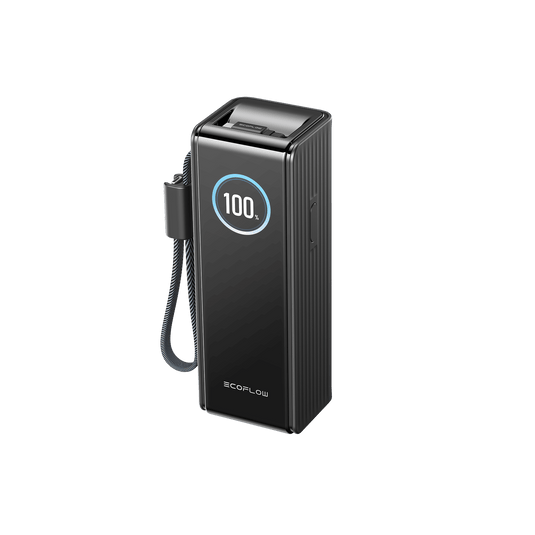

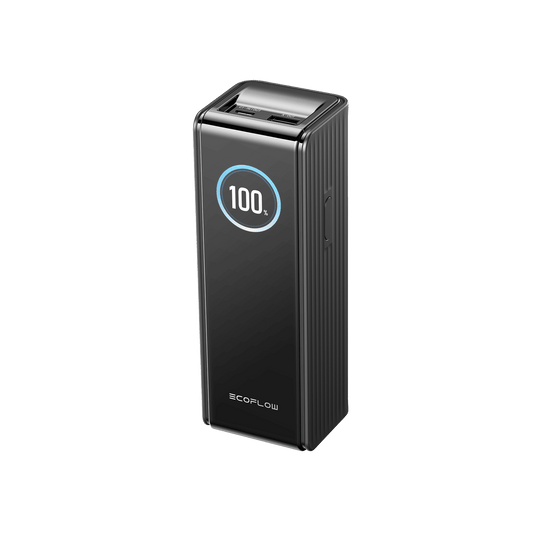


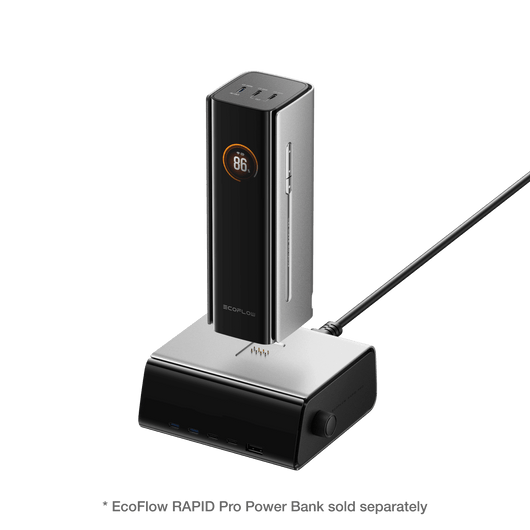
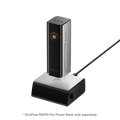
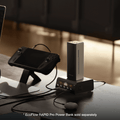
EcoFlow RAPID Pro Charging System
In-app Power Management & Customisation
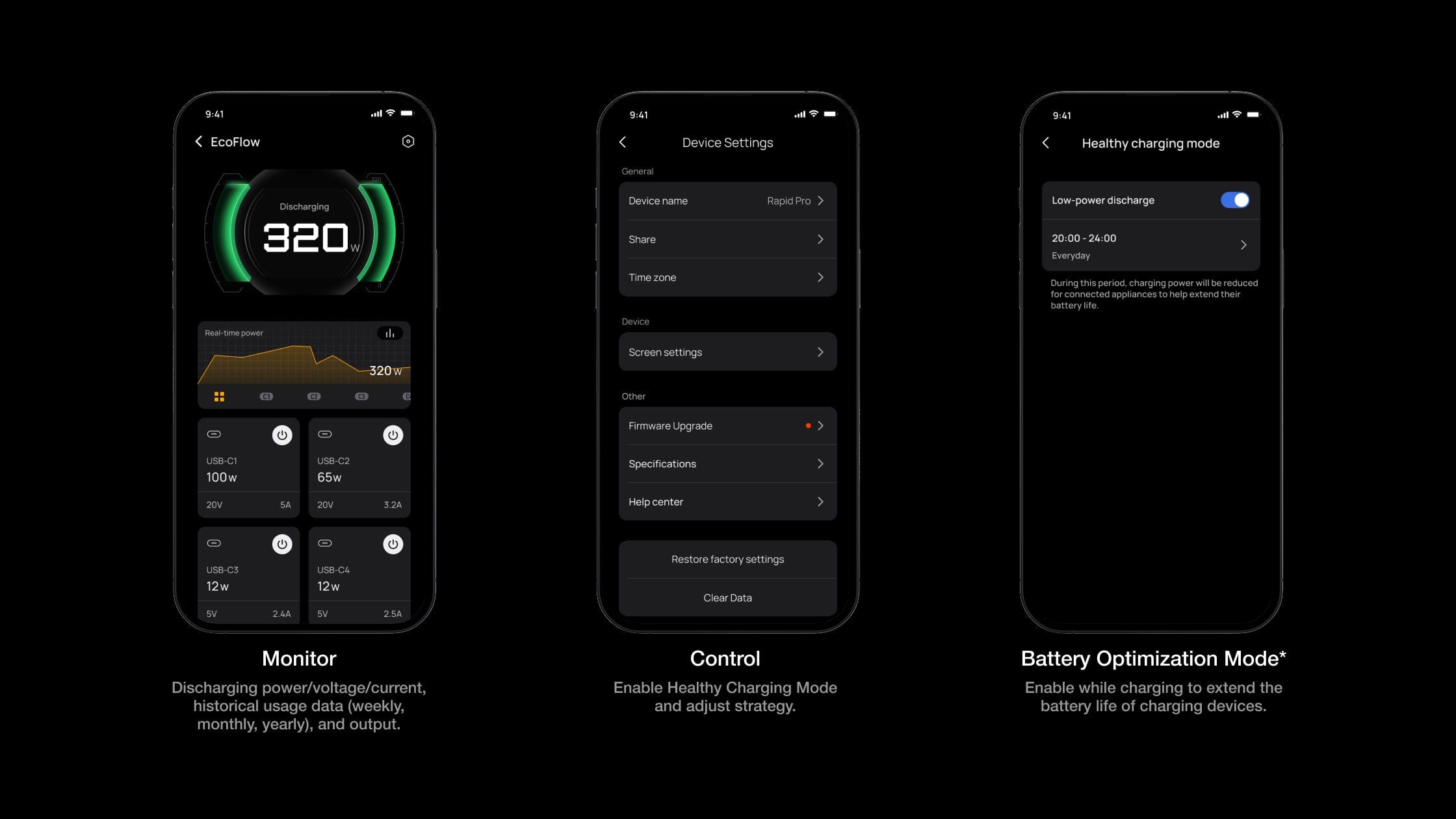
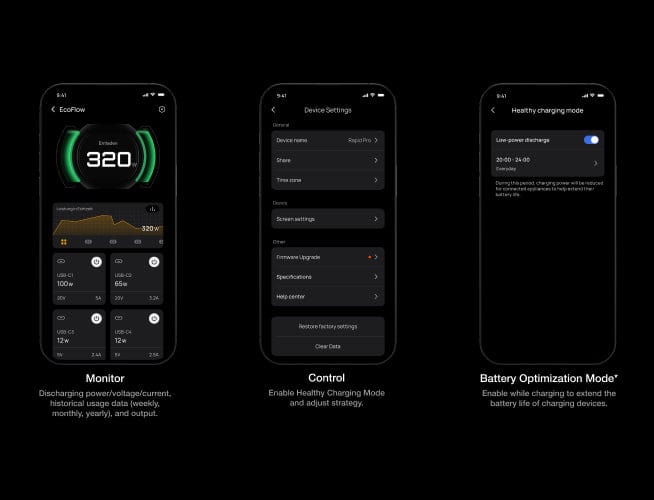
In-app Power Management & Customisation
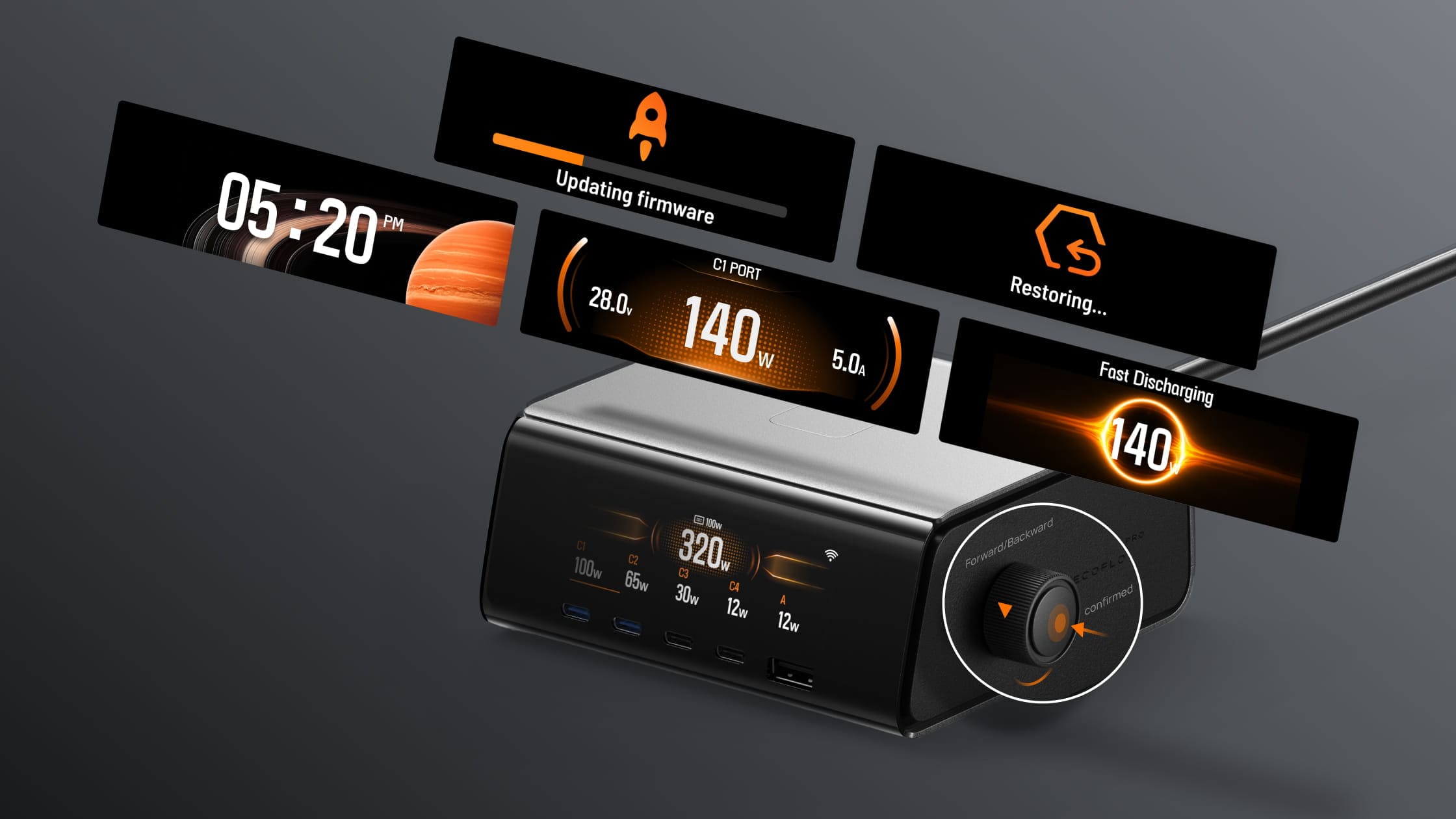
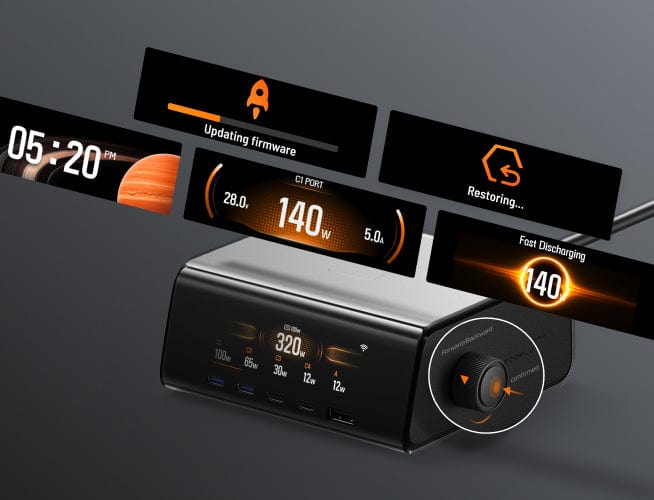
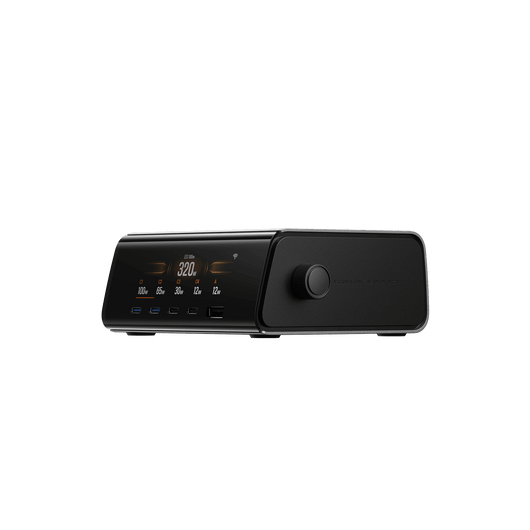
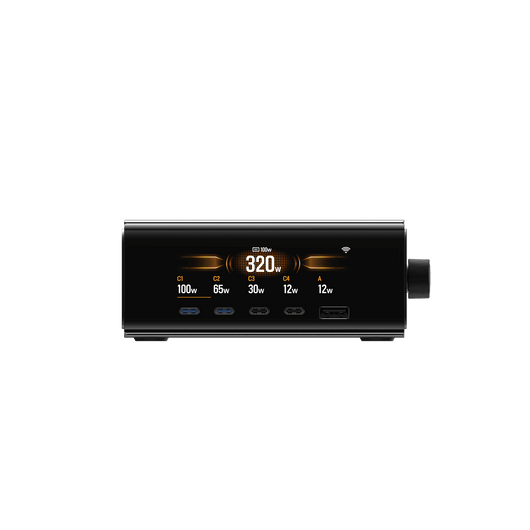
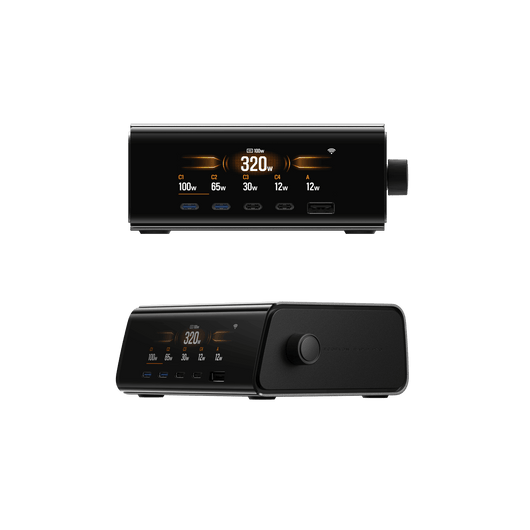
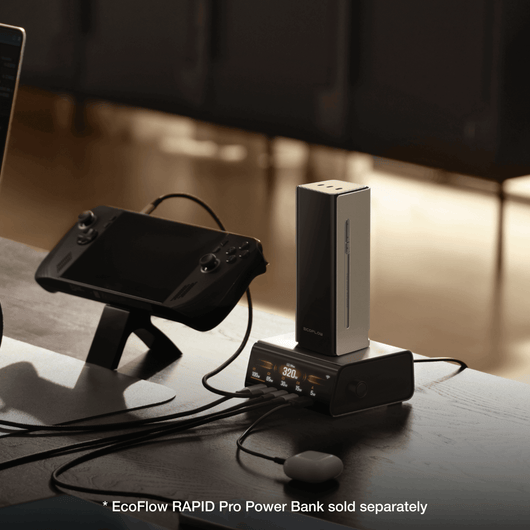
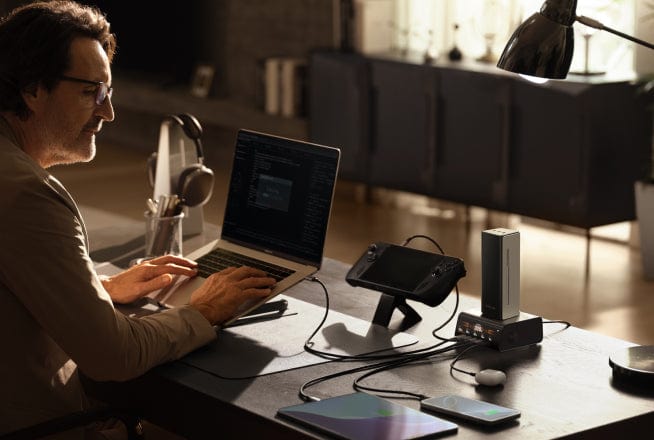
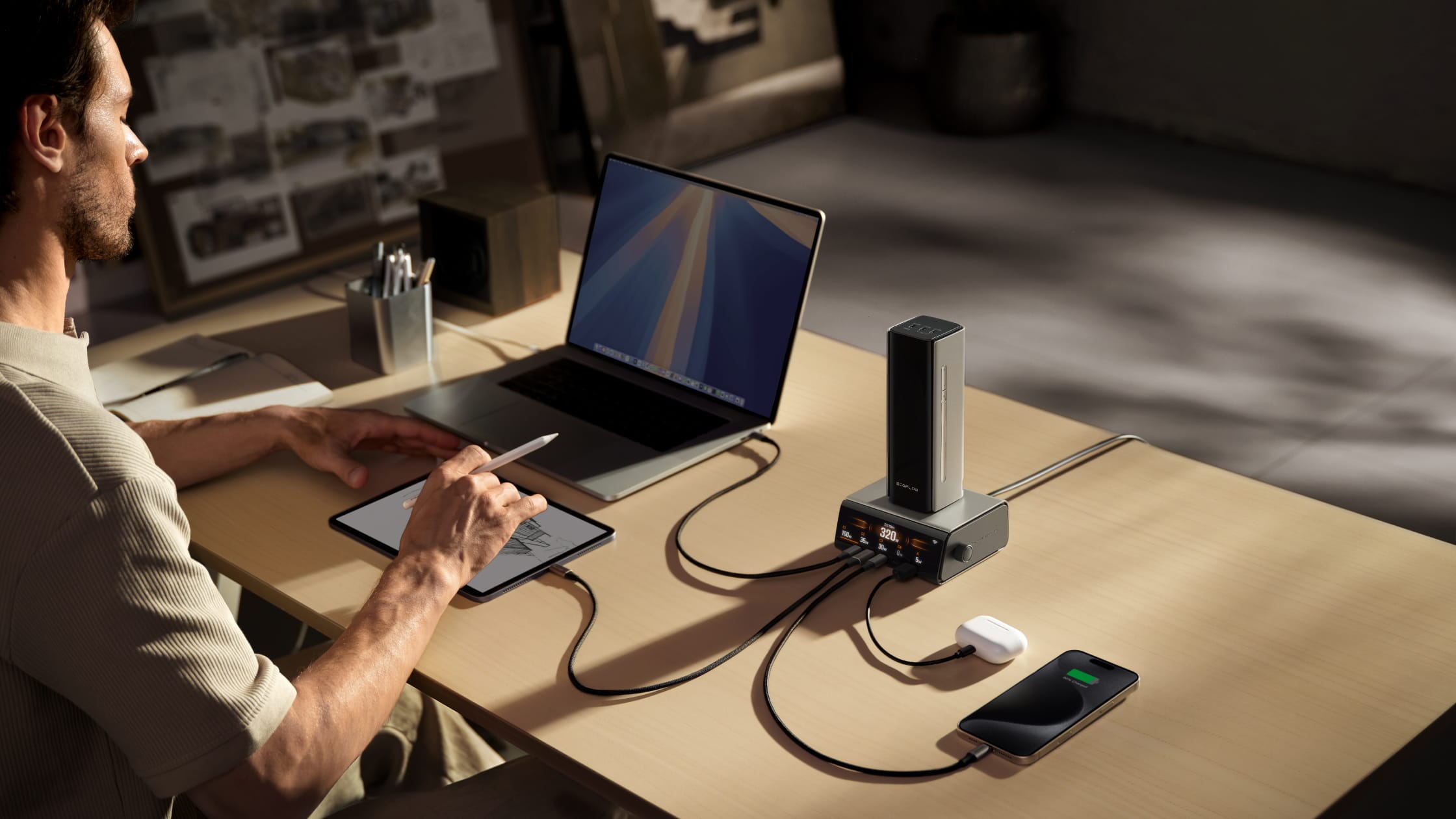
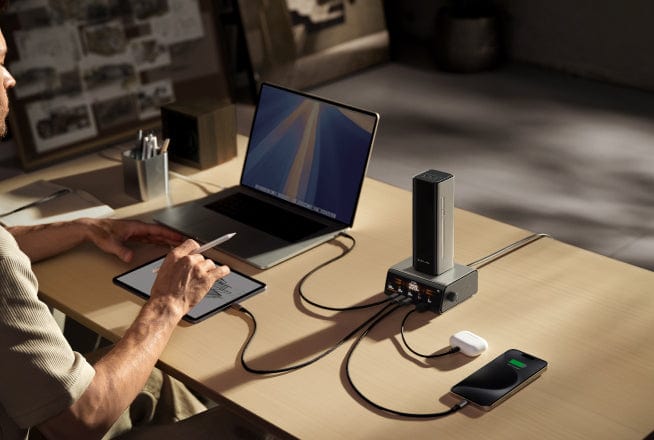
6-in-1 Smart, Multi-Device, Ultra-Powerful Desktop Charger
Boost your work efficiency and maintain a tidy work space
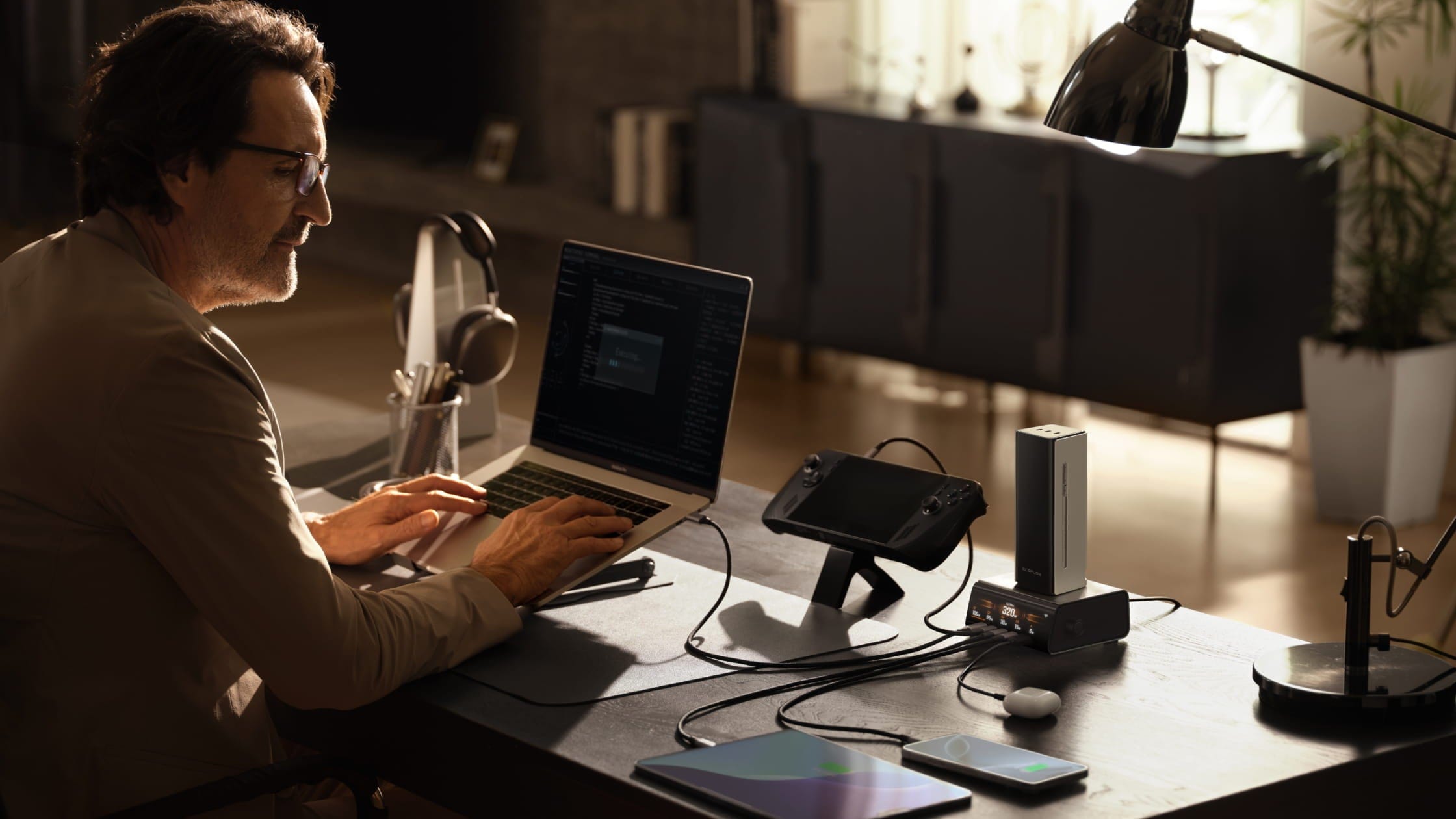
Power Distribution Modes
Compatible with 99% of everyday electronic devices.
* Specific compatible device models can be reviewed in the FAQ below.
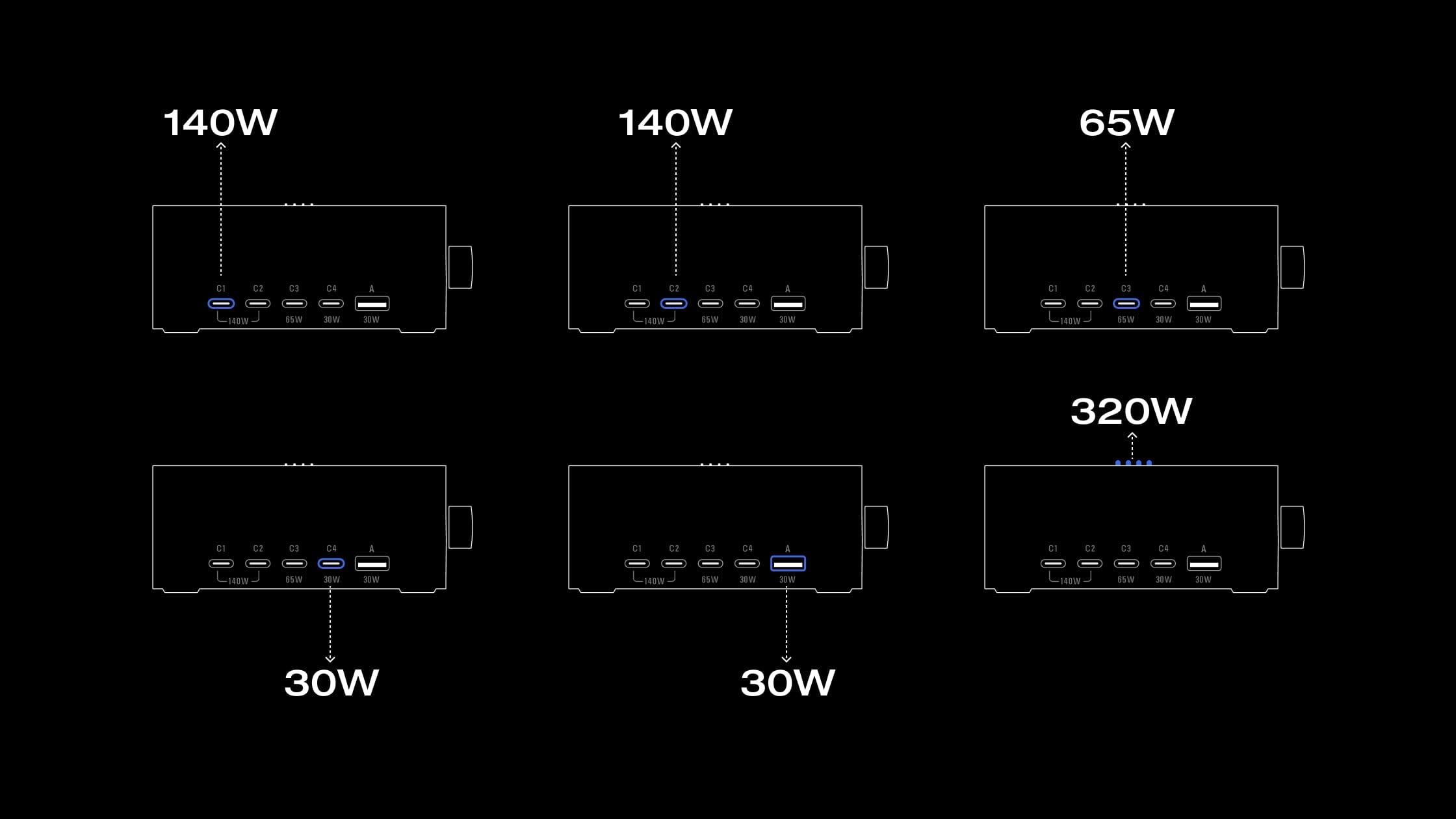
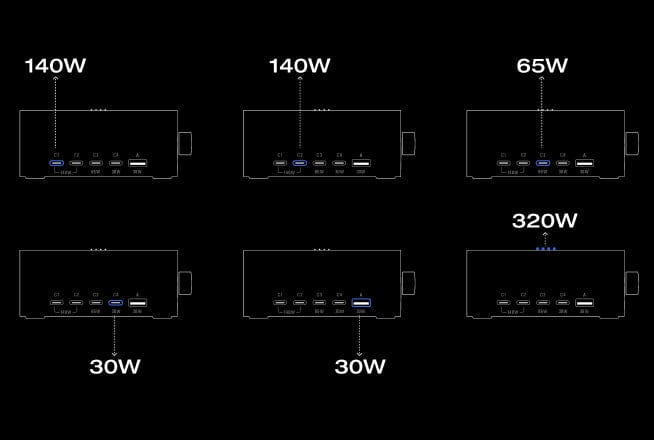
Power Distribution Modes
Compatible with 99% of everyday electronic devices.
* Specific compatible device models can be reviewed in the FAQ below.
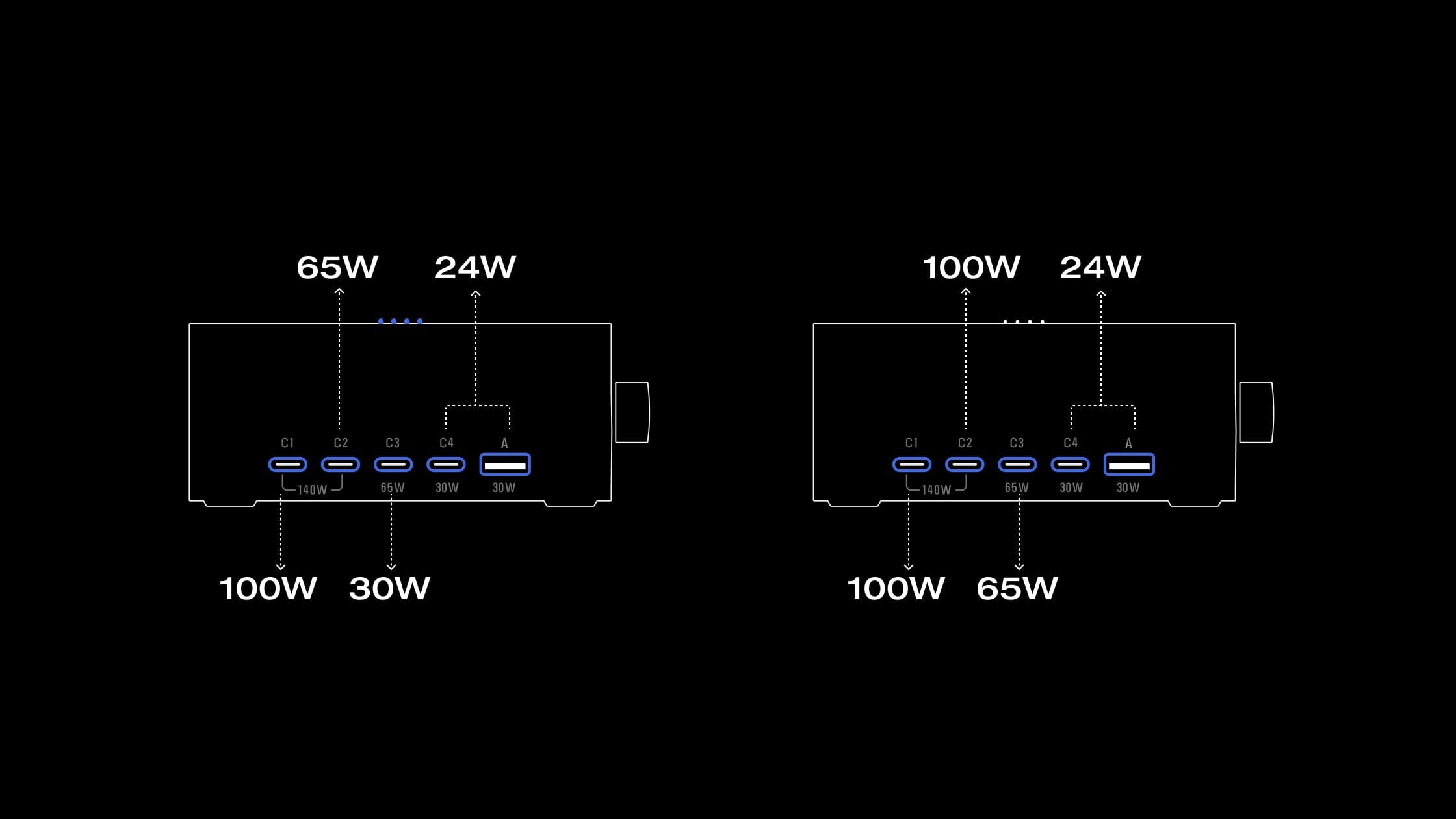
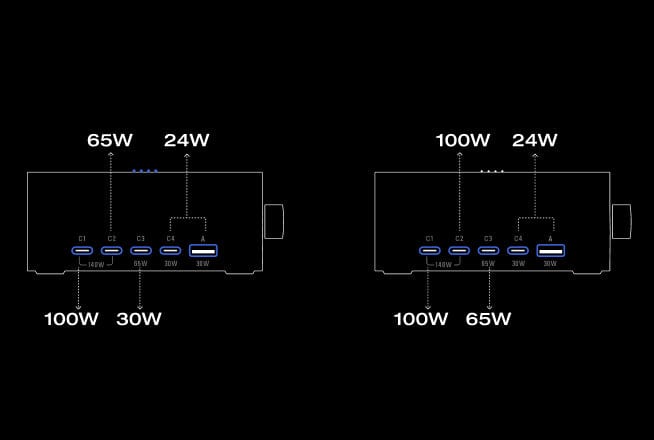
Power Distribution Modes
Compatible with 99% of everyday electronic devices.
* Specific compatible device models can be reviewed in the FAQ below.
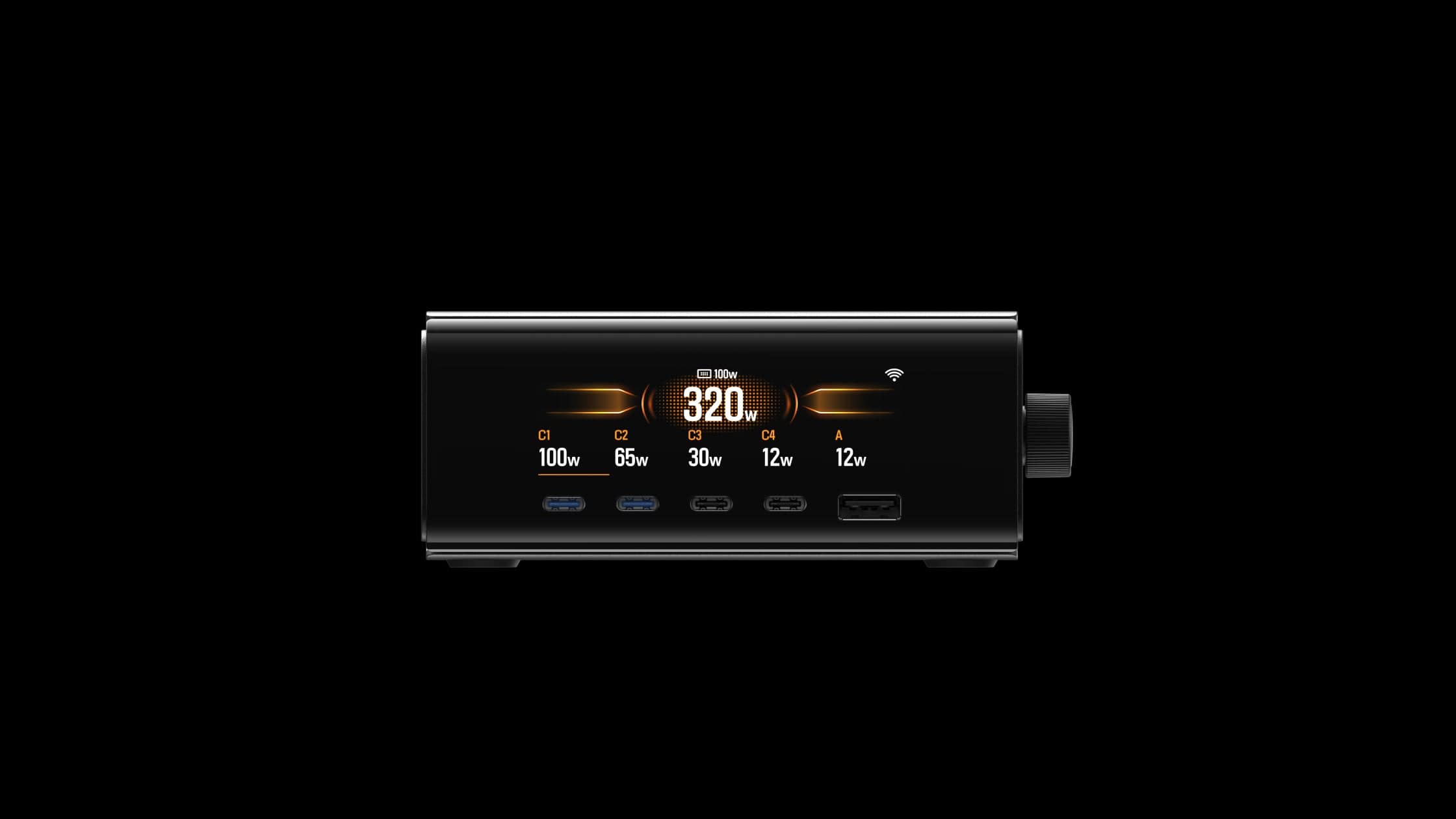
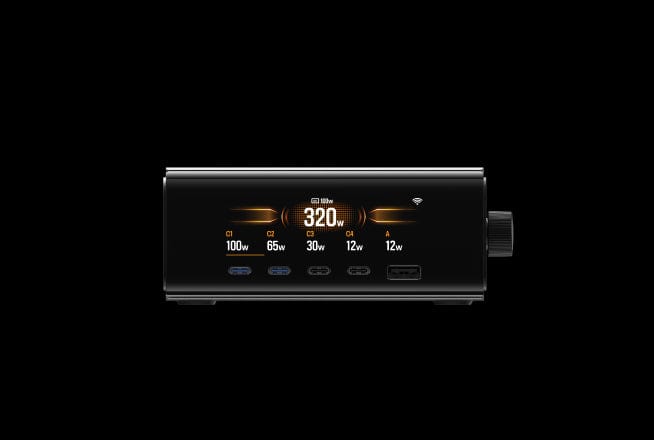
Power Distribution Modes
Compatible with 99% of everyday electronic devices.
* Specific compatible device models can be reviewed in the FAQ below.
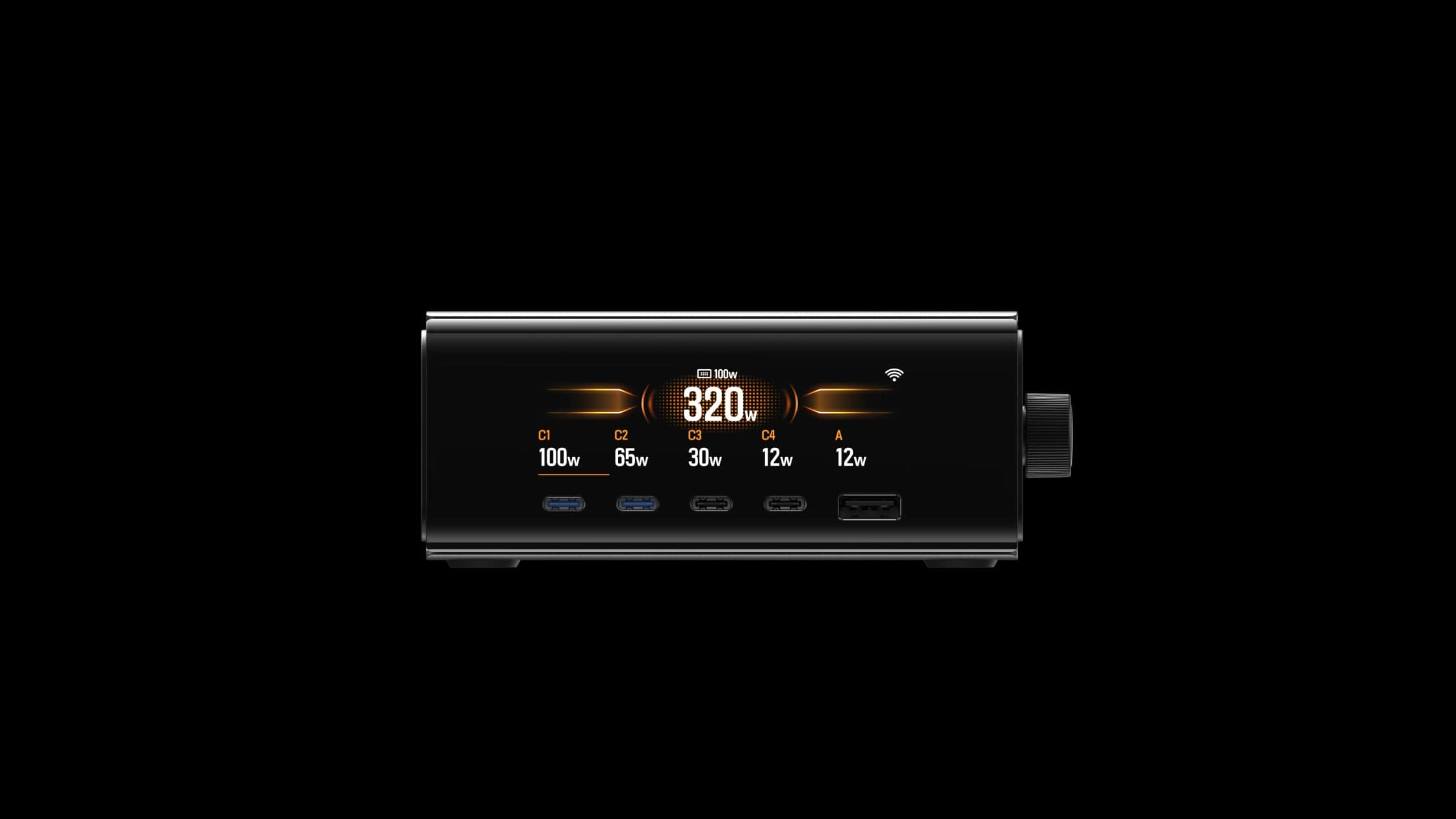
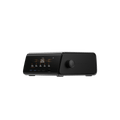
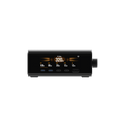
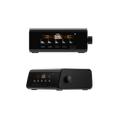
Specs - EcoFlow RAPID Pro Desktop Charger (320W, 5 Ports, GaN)
Dimensions
121 × 111.8 × 50 mm
Net Weight
885 g
Appearance
Silver
Total Output Ports
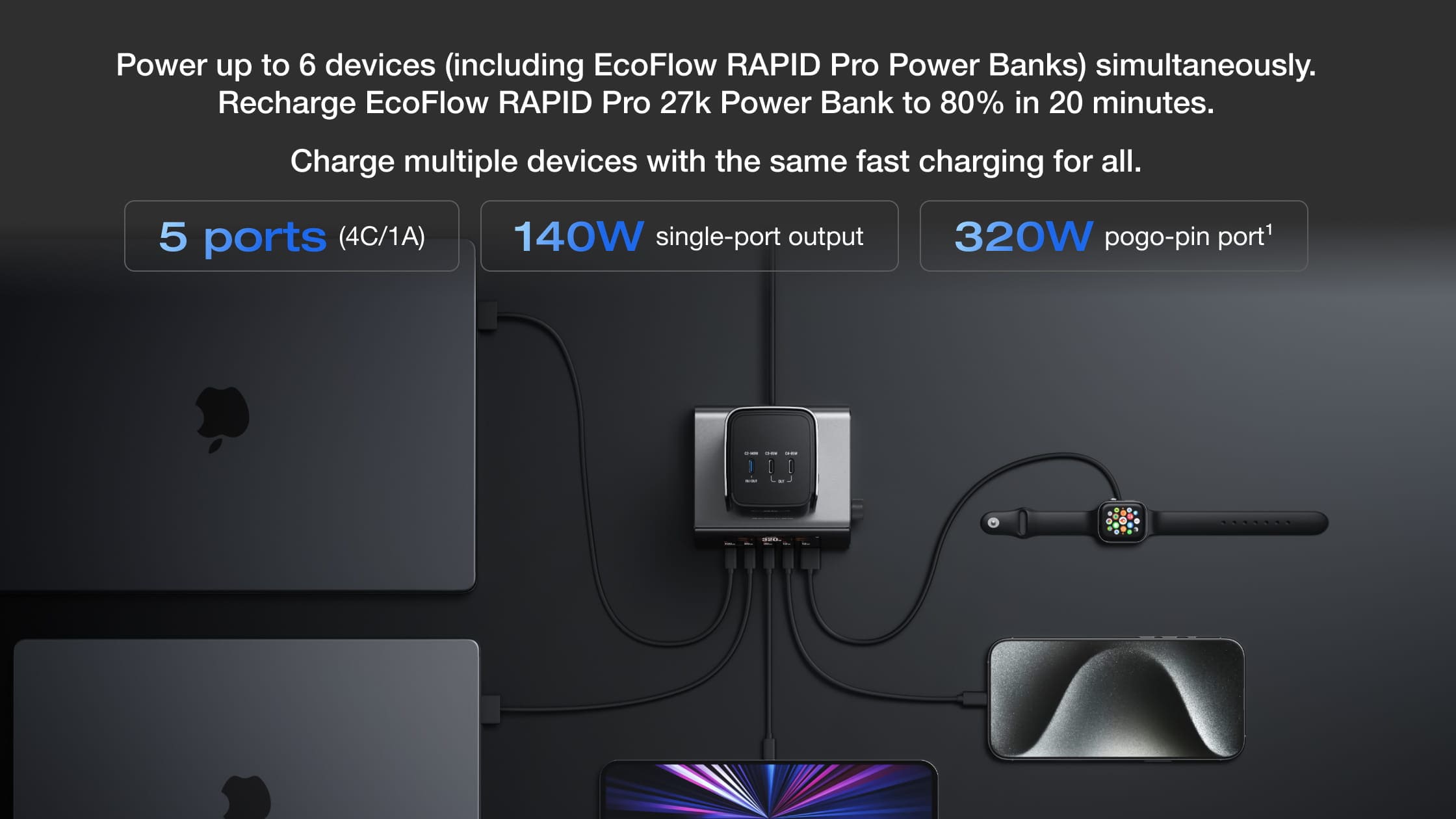
4 × USB-C, 1 × USB-A, Pogo Pin 320W
USB-A Output
30W
USB-C Output
C1/C2: 140W
C3: 65W
C4: 30W
APP
Compatible
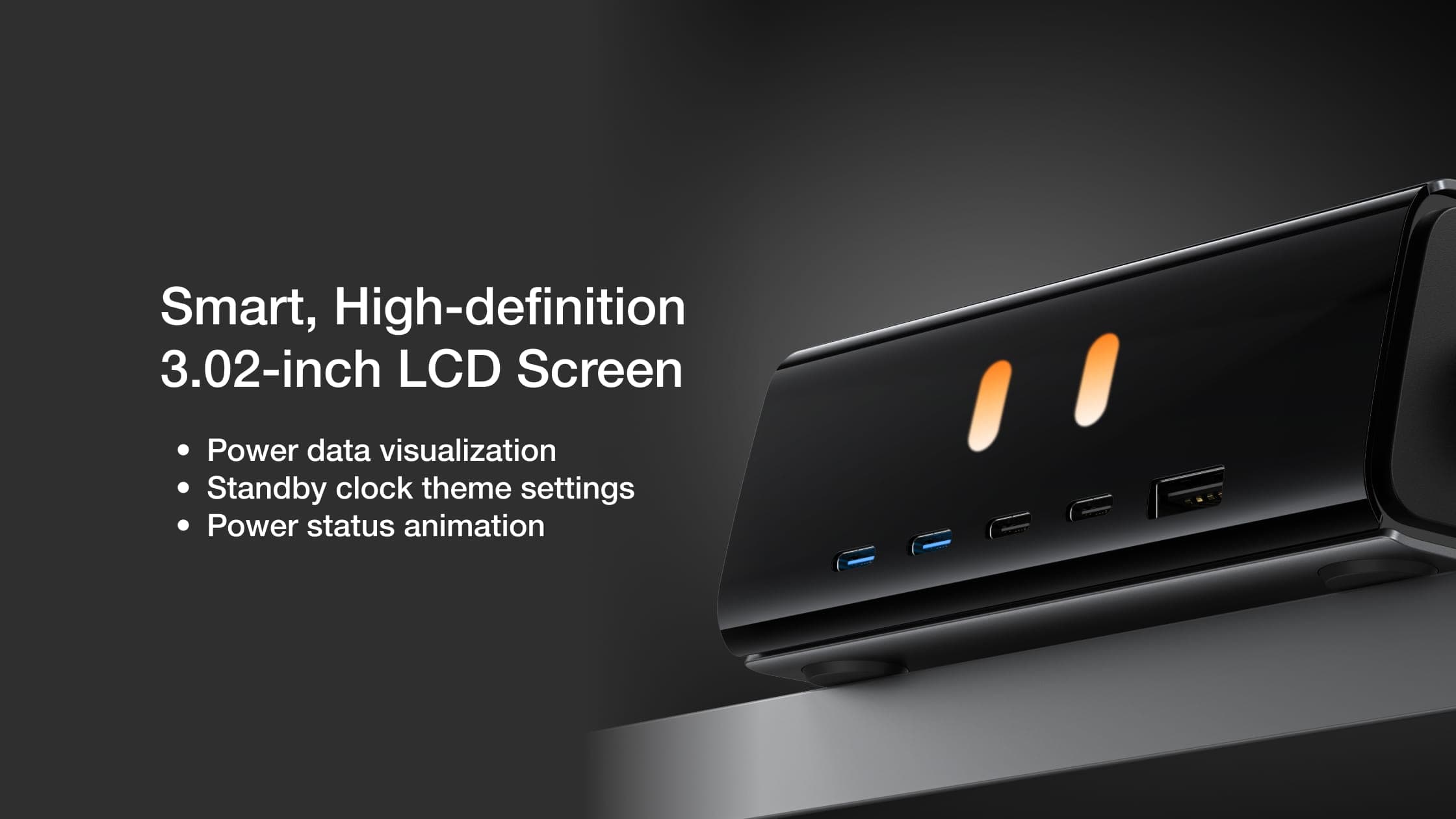
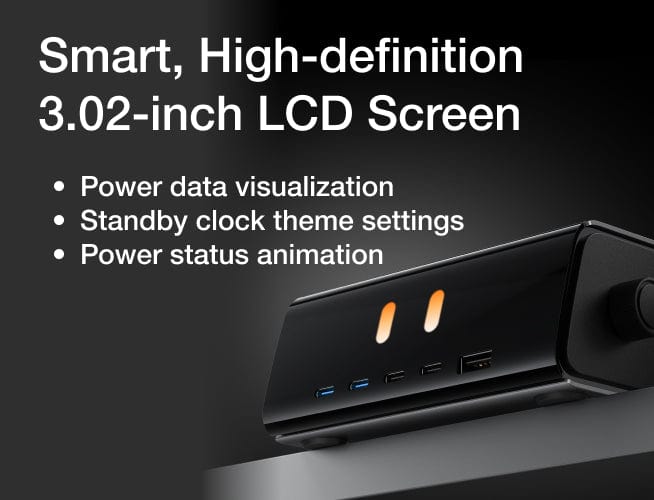
Screen
LCD
Drop-resistant
76 cm
Fireproof
Housing V0 Fireproof
Warranty
2 Years
Charge Temperature
20℃–30℃ (68℉–86℉)
FAQ
Is it normal fo the device to heat up?
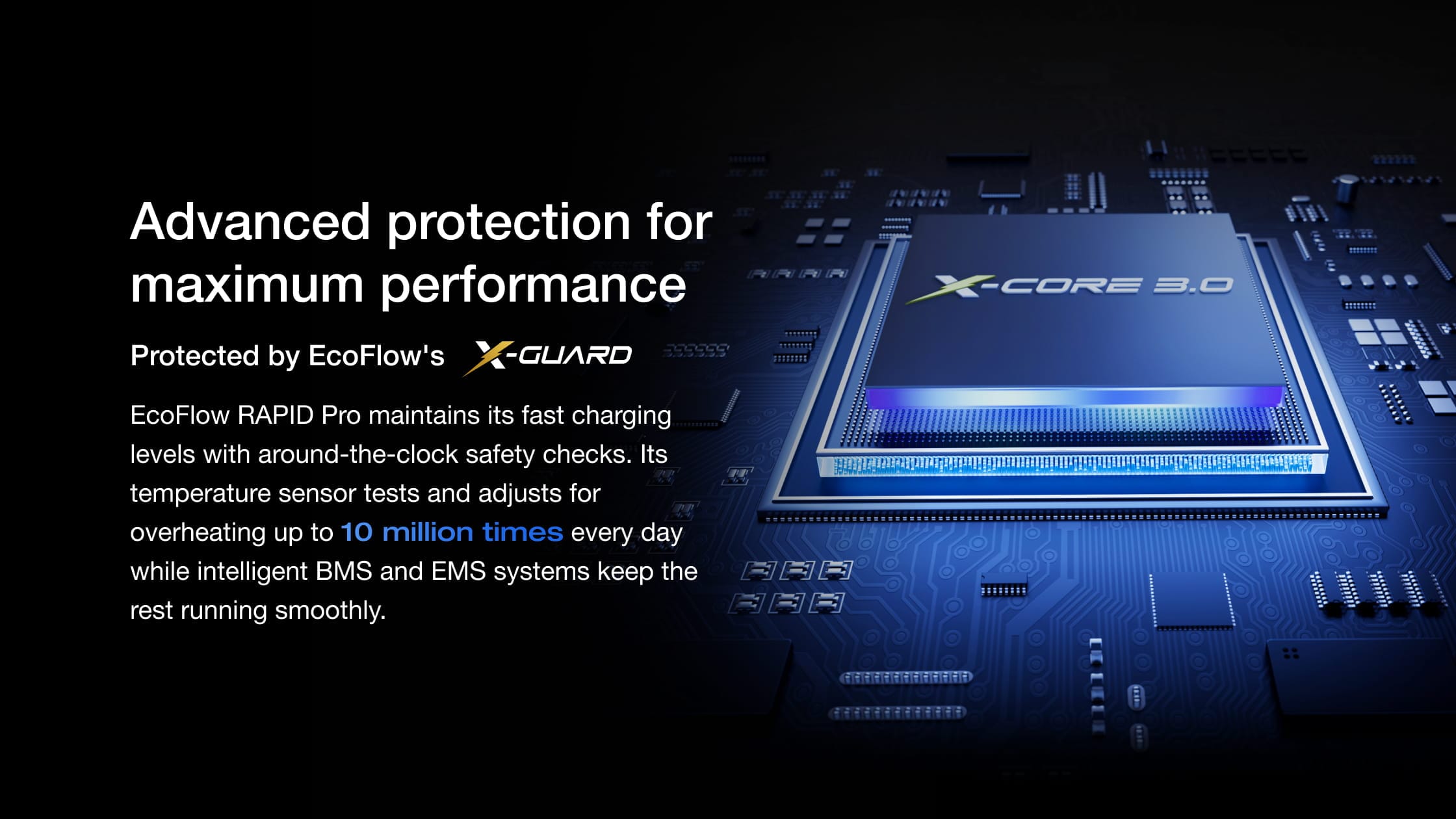
Is it normal for the device surface to heat up under high power transmission. The device has multiple built-in protection mechanisms, the device can be used with confidence, users are abvised not touch it directly.
what devices are compatible?
This charger is compatible with laptops, phones, tablets, earphones, smartwatches, gaming consoles, and other devices with USB-C or USB-A ports, such as MacBook Pro/Air, iPhone, iPad, Dell XPS, and Samsung Galaxy.
What is PogoPin contact charging? Is it safe?
PogoPin is a magnetic contact charging method commonly used in modular connections, supporting high-efficiency, safe, and stable charging connections.
Why are the power, voltage, and current readings on the charger screen different from those in the app?
The power, voltage, current, and other information displayed in the app are reported to the cloud by the charger at specified intervals, which may cause data discrepancies due to timing differences.
Can I use it after unpacking?
Yes, the product supports plug-and-play functionality. However, since the product features are continuously updated and improved, it is recommended to connect to the app and upgrade to the latest firmware for a better user experience.
Why can not my charger reach 140 W output on a single port?
Wheter the appropriate interface is selected( only C1 and C2 support 140 W Max), whether the protocol matches, whether the current device temperature is too high, and whether the device battery is almost full.
How do I connect the charger to the Ecoflow app via WI-FI / Bluetooh?
On the charger screen, select "Settings" >"Wi-Fi & BLE" and press the to turn on the switch. On the phone used to log in to the app, make sure Bluetooth is enabled. Then add the charger tothe app in the APP and follow the in-app instructions to complete the setup.